Image Style Grab
Image to prompt
Upload any photo, illustration or render and this image to prompt tool writes out its style, lighting, camera and composition as a reusable AI prompt. Free, no sign-up.
Drop an image here
or choose one from your device — or paste a copied image (Ctrl/Cmd + V)
Generated prompt
Upload an image to generate your prompt. The sample Output will look like this
Create an image based on the following guidelines: an editorial portrait of a woman in her forties with short silver hair, wearing an oversized rust linen shirt, seated sideways on a bentwood chair with one arm hooked over the backrest, looking directly into the lens with a calm, unsmiling expression. Vertical medium shot at seated eye level, subject on the left third against a chalky plaster wall in pale terracotta. Hard afternoon sun through a window to camera right casting a crisp diagonal shadow of the frame across the wall and half her face. Palette: rust, terracotta, bone white, deep olive in the shadows. 50mm at f/4, face and hands sharp, wall texture readable, natural skin with fine lines kept, gentle film grain, magazine feature mood.
Structured analysis(sample)
Switch sections off to leave them out of the prompt you copy.
Prompt from selected sections
Create an image based on the following guidelines: A silver-haired woman in a loose rust linen shirt, seated sideways with an arm over the chair back. Her direct, neutral gaze carries the portrait. Vertical frame with the subject on the left third and the window shadow pattern filling the right two thirds. The chair back forms a strong diagonal leading to her face. Hard directional sunlight from camera right creates a sharp window-frame shadow across the wall and face. There is no fill, so the shadow side drops into deep olive. Warm earthy palette of rust and terracotta held together by bone-white highlights and muted olive shadows. 50mm, f/4, 1/250s, ISO 200, eye level with the seated subject, straight-on. Contemporary magazine feature photography with honest skin texture and visible plaster. A light film grain softens the digital edge. Avoid: beauty retouching, soft focus, studio backdrop, ring light catchlights, text, watermark, extra fingers.
Try a popular style
Hover a card to preview the style or copy its ready-to-paste prompt.
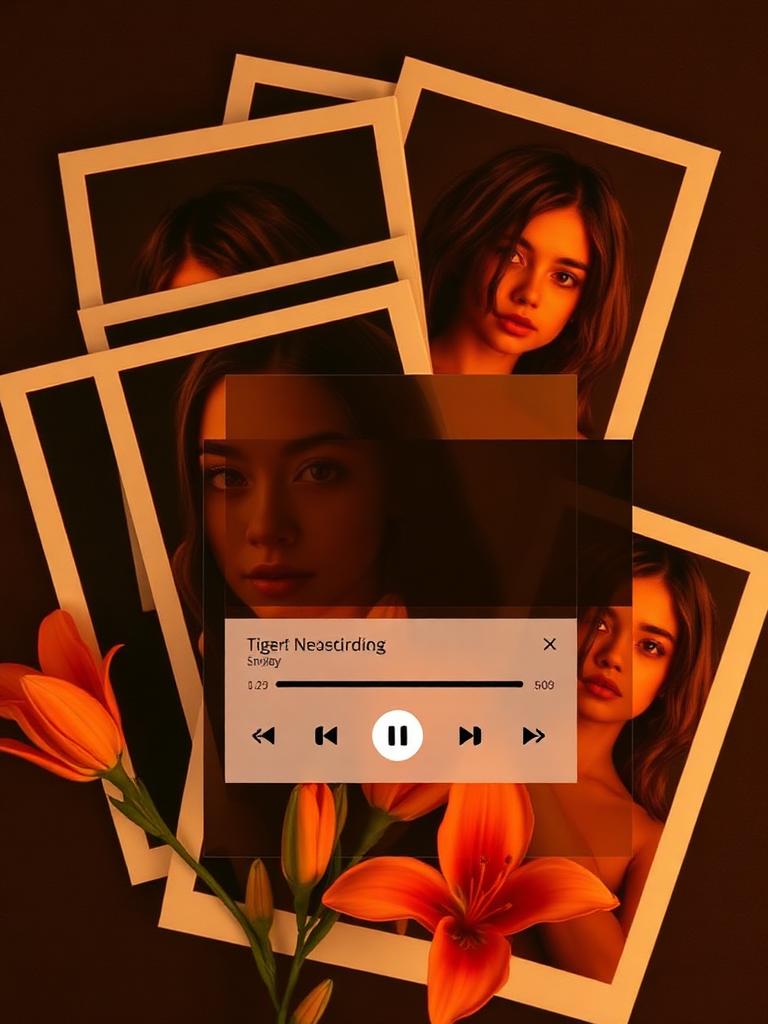
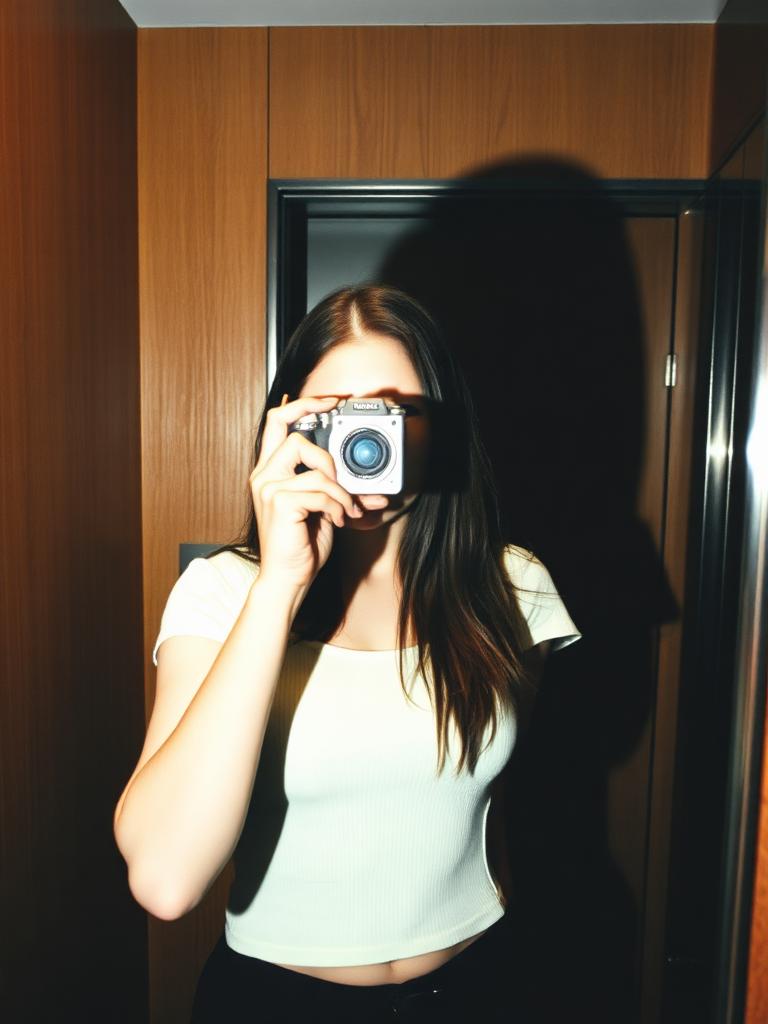
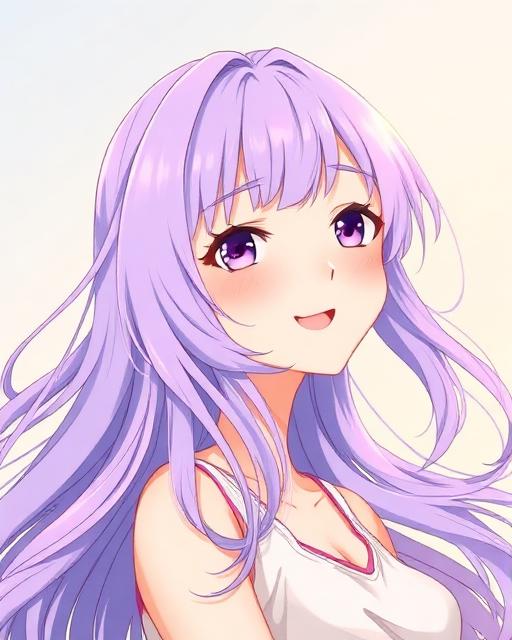
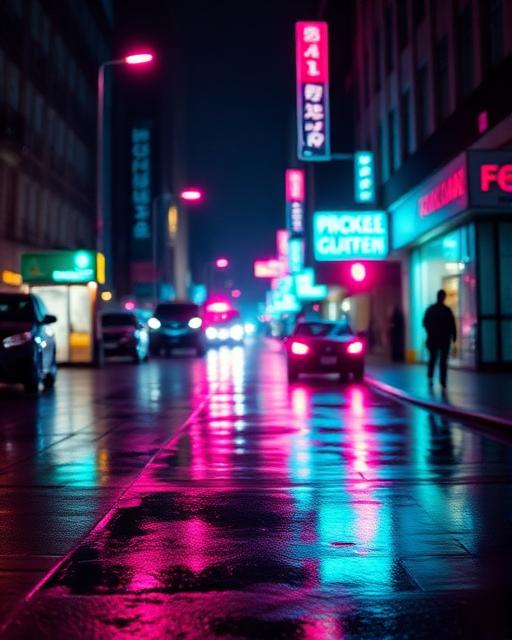
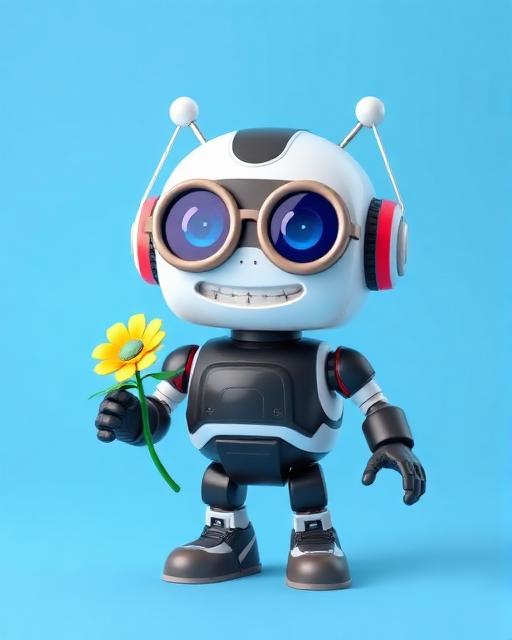
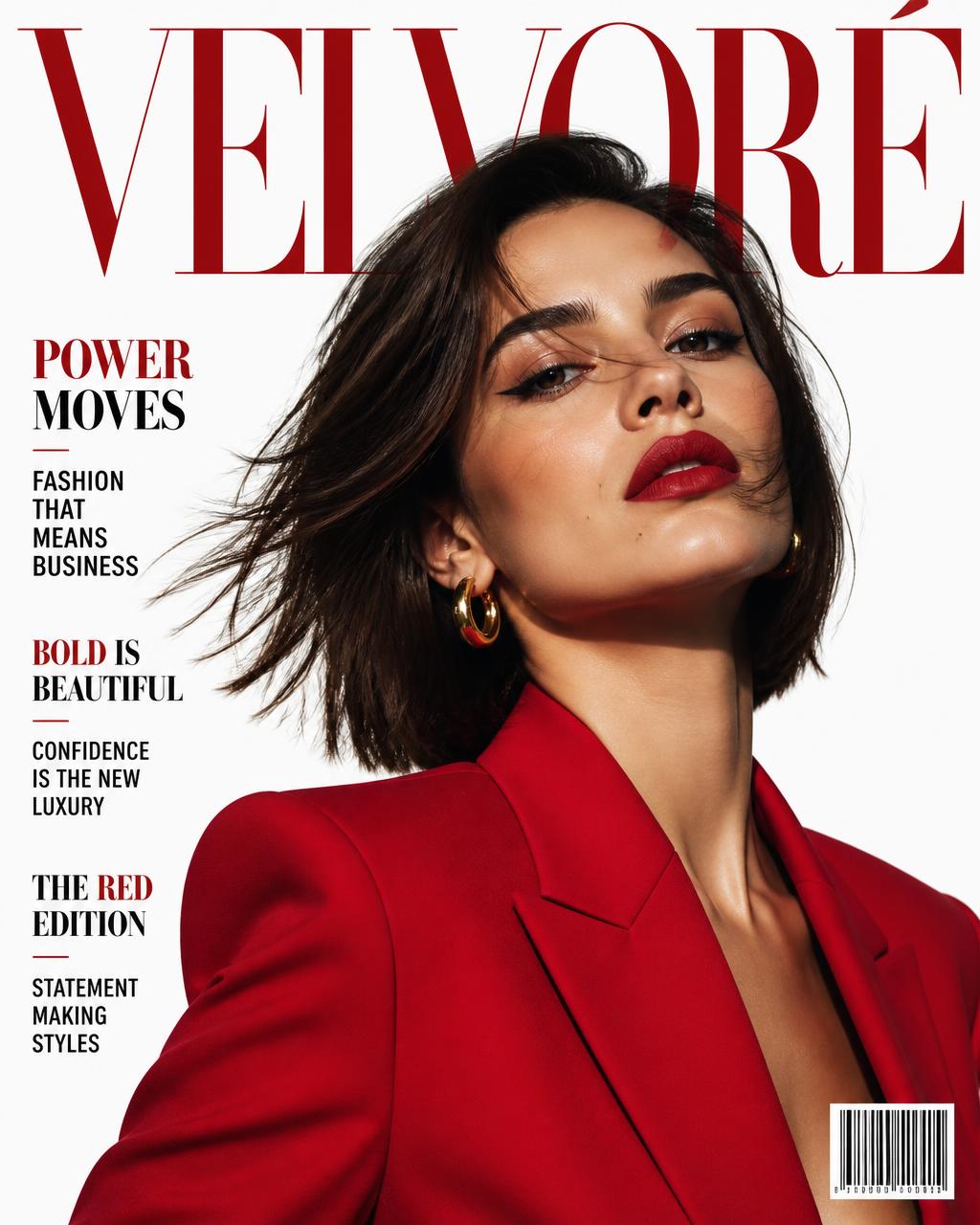
What an image style grab returns
A reference image is really a stack of small decisions. This tool pulls them apart so you can reuse only the ones you want: what the subject is and where it sits in frame, how the scene is lit and from which direction, what lens and focal length it seems to use, and how colour, contrast and texture play across the picture.
Style only keeps the background, art style, colour grading and effects, and drops the character's outfit, pose and mannerisms. Your own subject comes through untouched.
Style + character keeps the wardrobe, posture and expression too. Use it when you want to reproduce the reference closely, not just borrow its look.
How to turn an image into a prompt
1. Upload the image
Drop a JPEG, PNG or WebP into the image style grab.
2. Choose what to keep
Pick Style only for the look and surroundings, or Style + character to include outfit and pose.
3. Generate the prompt
Promptify returns a reusable prompt covering subject, composition, lighting, camera and finish.
4. Paste it into your generator
Use it in Midjourney, DALL·E or Flux and swap in your own subject.
Image to prompt FAQ
What does the image style grab do?
It looks at a photo, illustration or render and writes down the choices behind it: subject and framing, lighting direction and quality, the lens and depth of field it seems to use, colour grading, texture, finish. You get one prompt you can paste into any image generator.
Is the image to prompt generator free?
Yes. It's free, no account, no sign-up, no credit card, no credits to burn through.
Can I get only the art style without copying the character?
Yes. Choose Style only and you get the background, art style, colour grading and effects — the character's outfit, pose and mannerisms are left out. Choose Style + character if you want those kept too.
Which generators does the prompt work in?
The output is plain descriptive language, so it works in Midjourney, DALL·E, Stable Diffusion, Flux, Ideogram, Gemini and most other image models.
What kind of images work best?
One clear subject with a readable light source works best. Busy collages, heavy watermarks and low-res files give vaguer results. Crop tighter on the part you actually care about and try again.
Keep going
Browse the style gallery, grab a website theme or a poster layout, or read how to write better AI image prompts.