
Gallery
Style Gallery
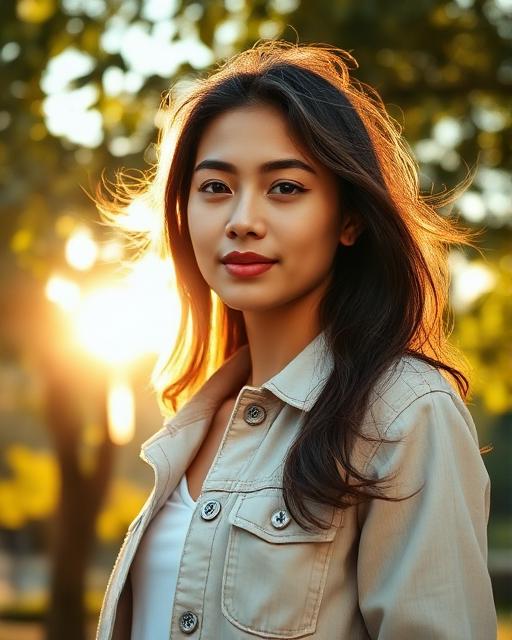
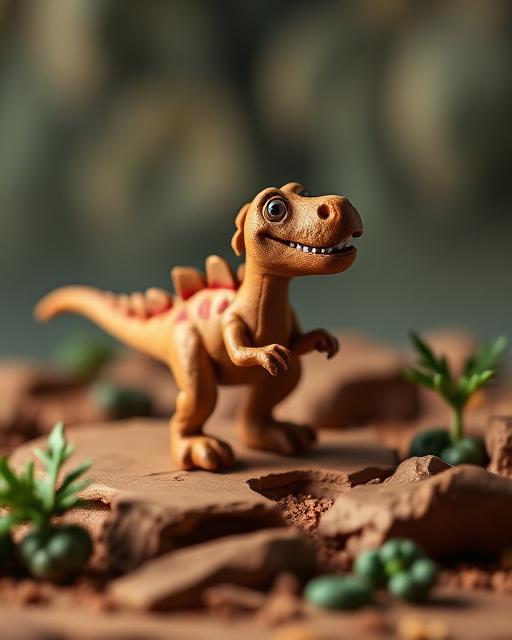
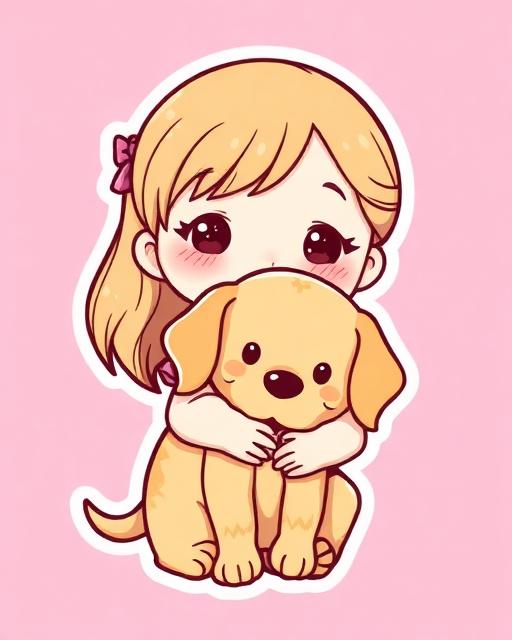
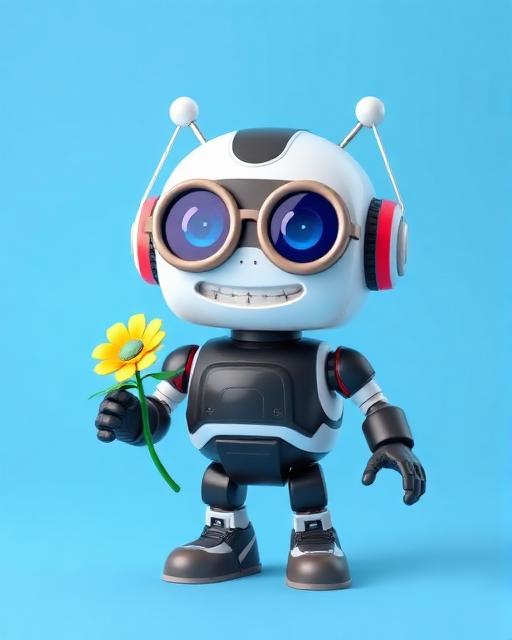
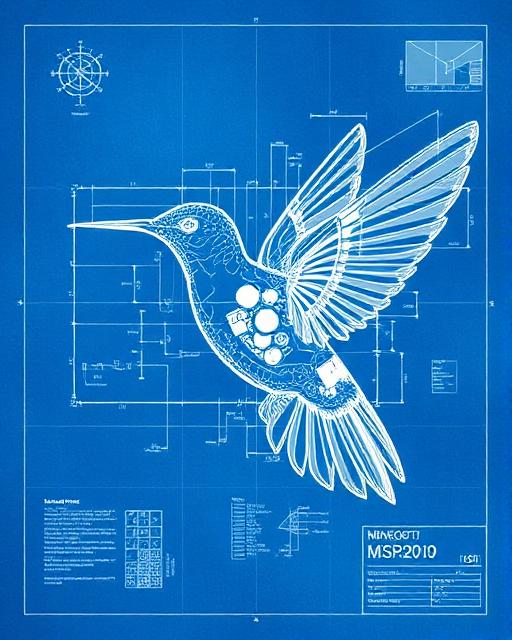
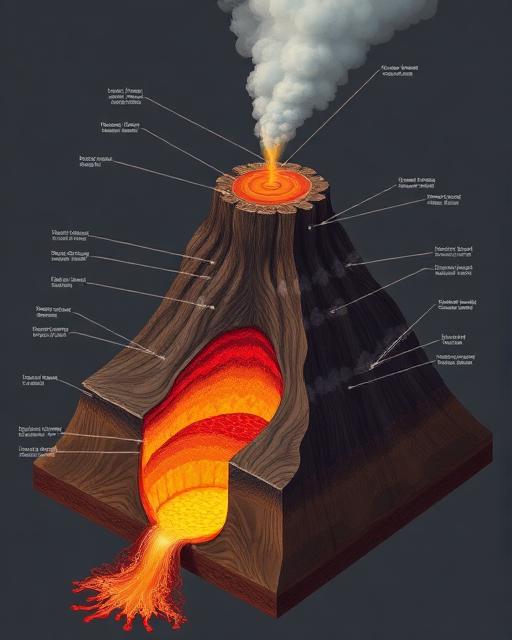
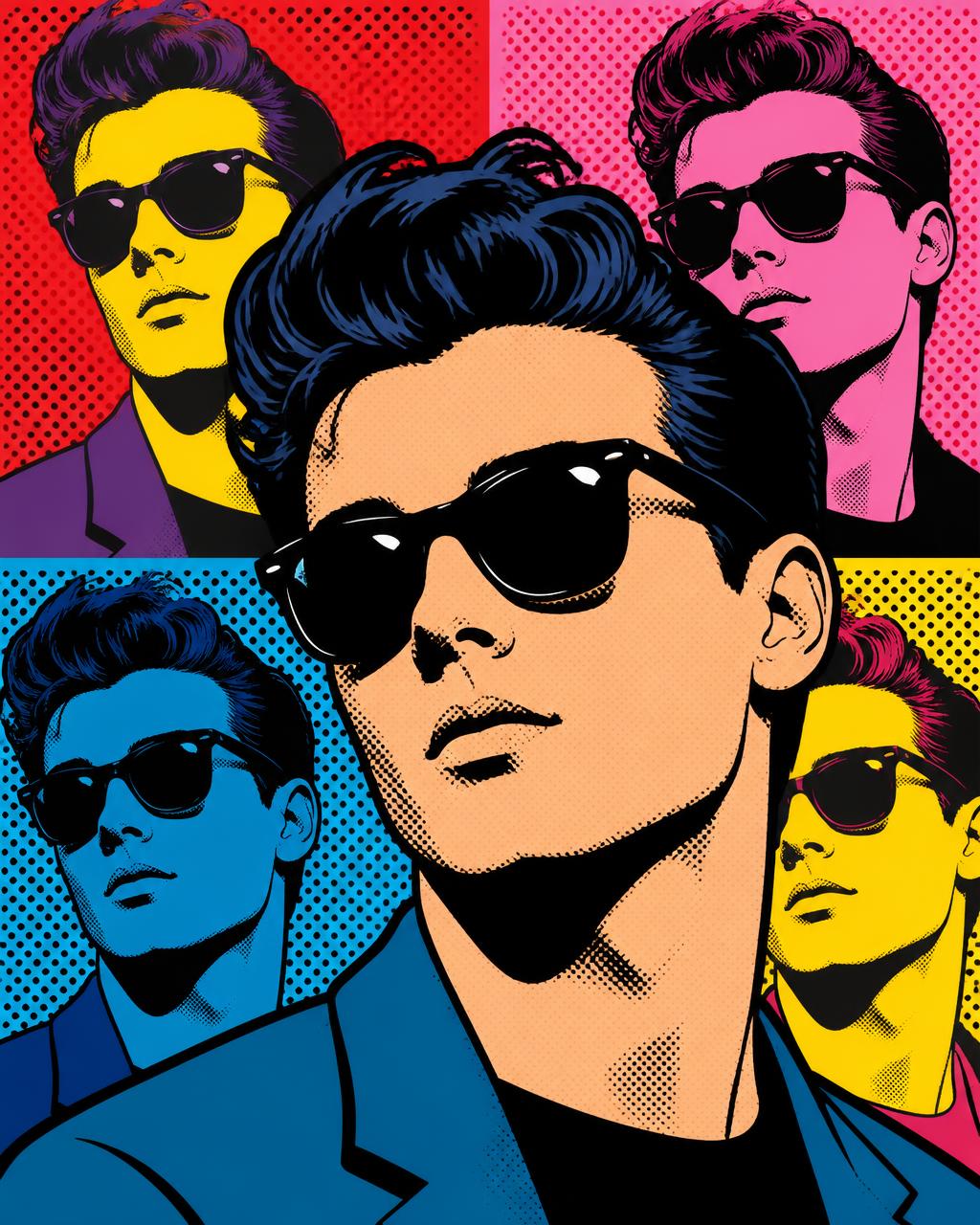
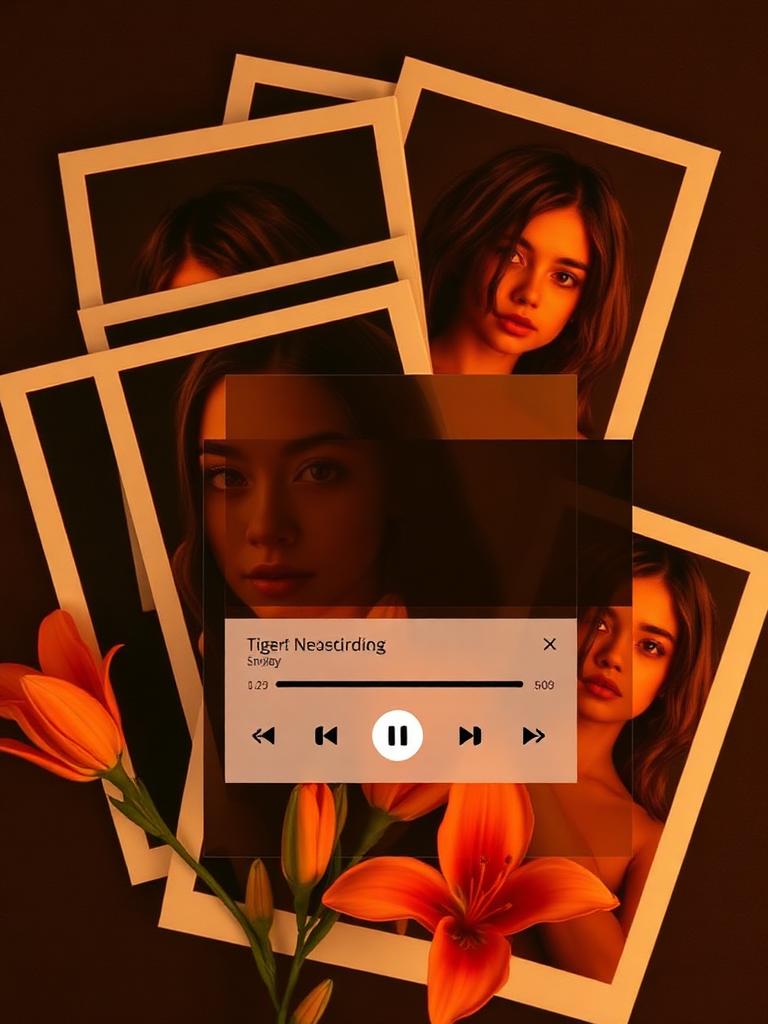
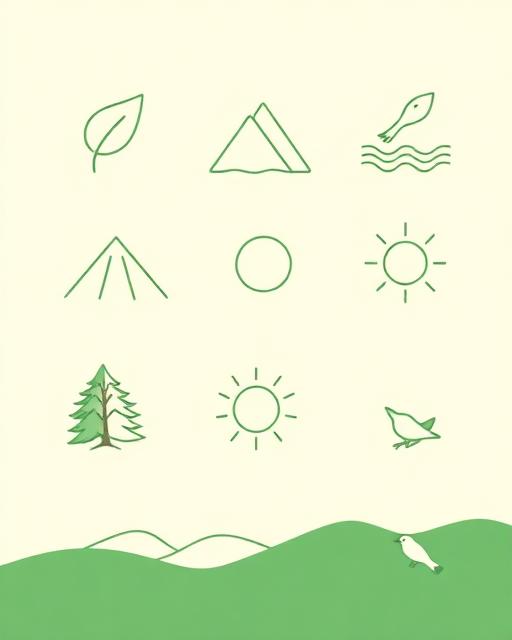
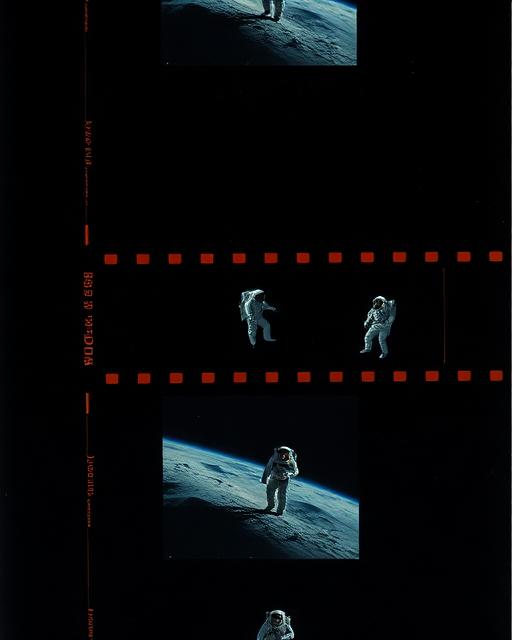
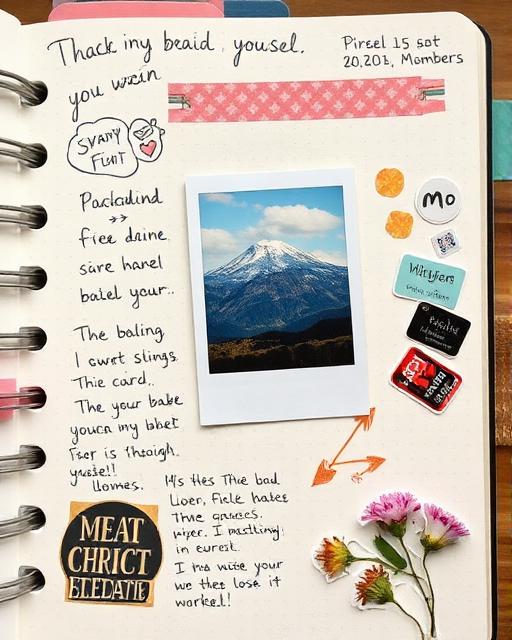
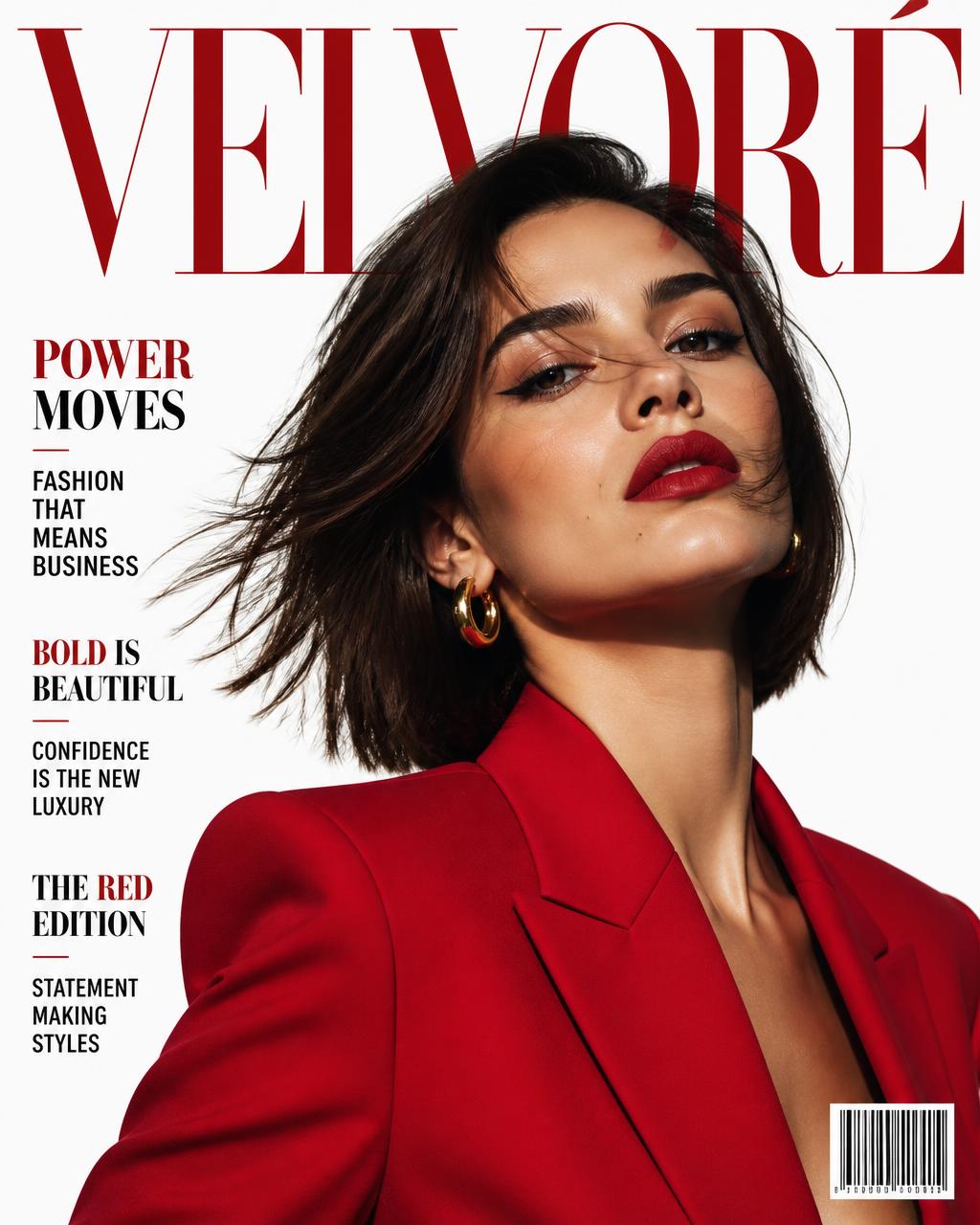
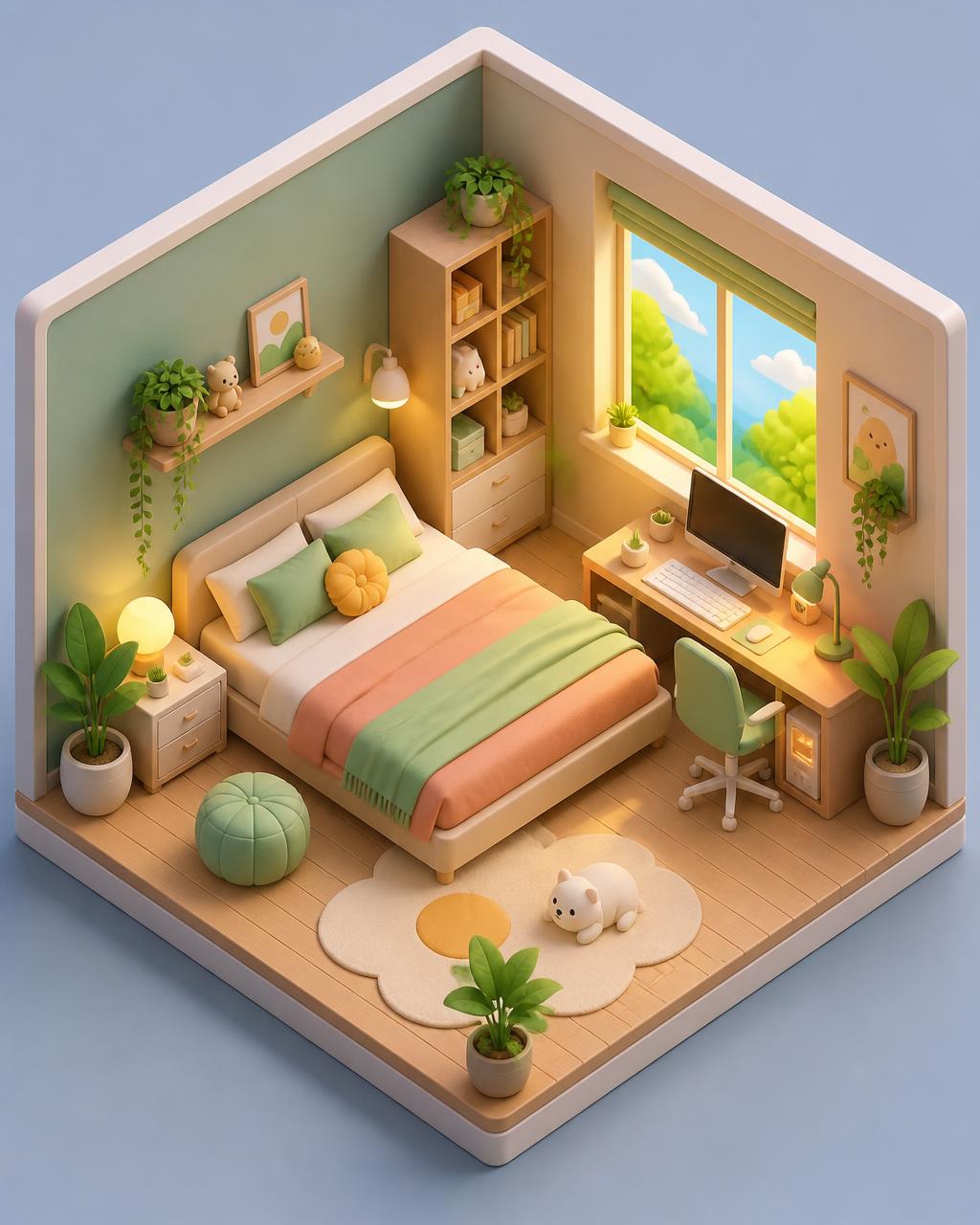
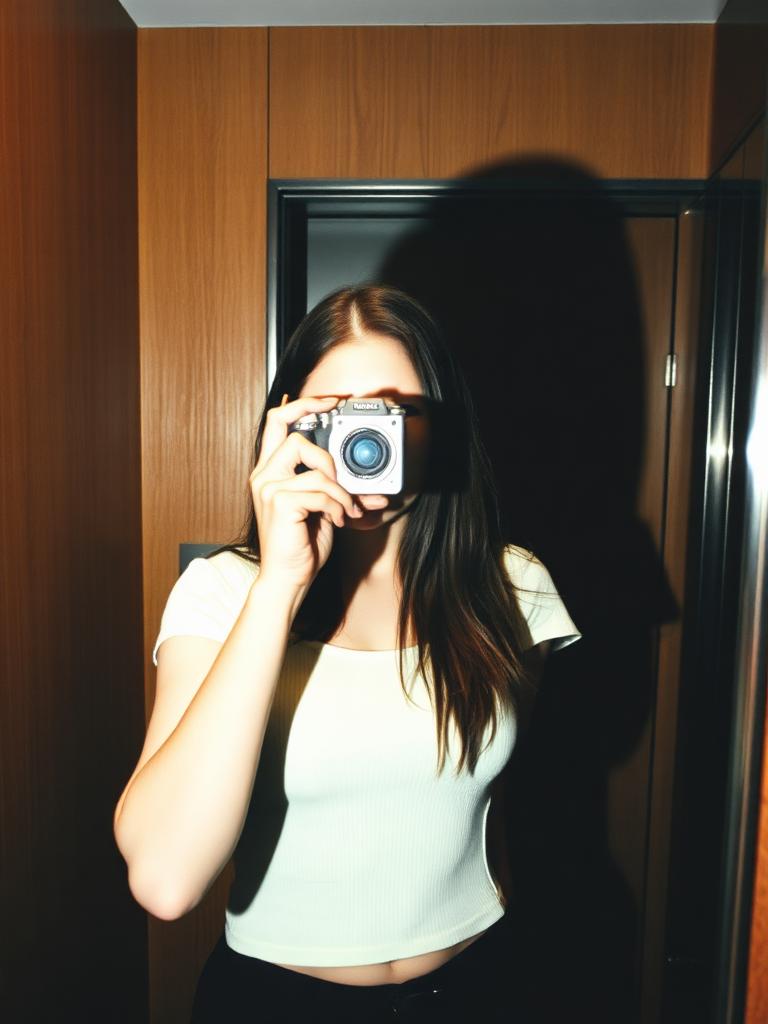
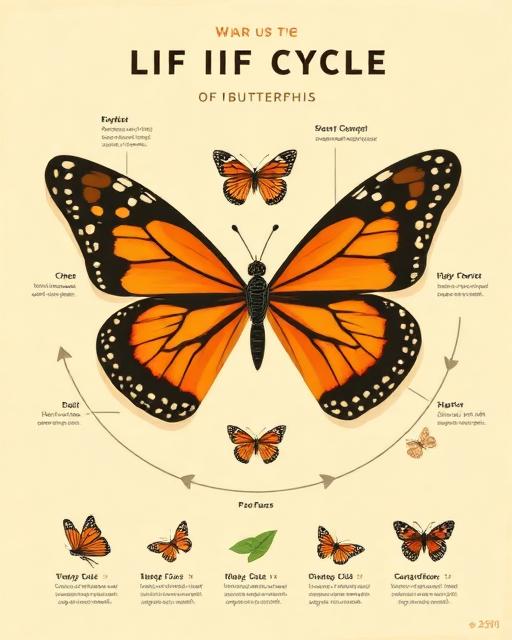
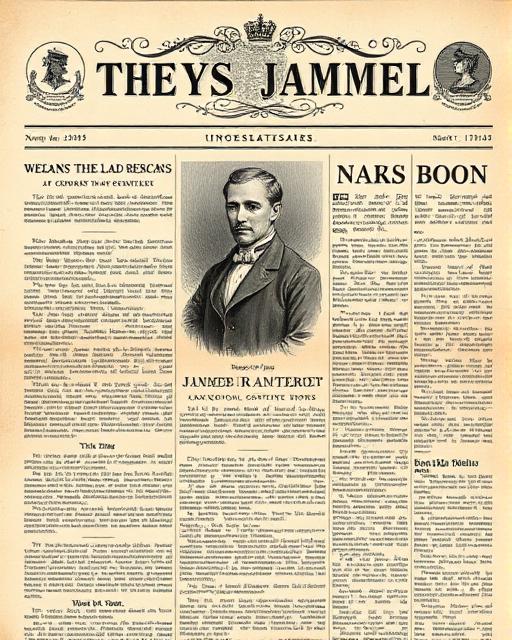
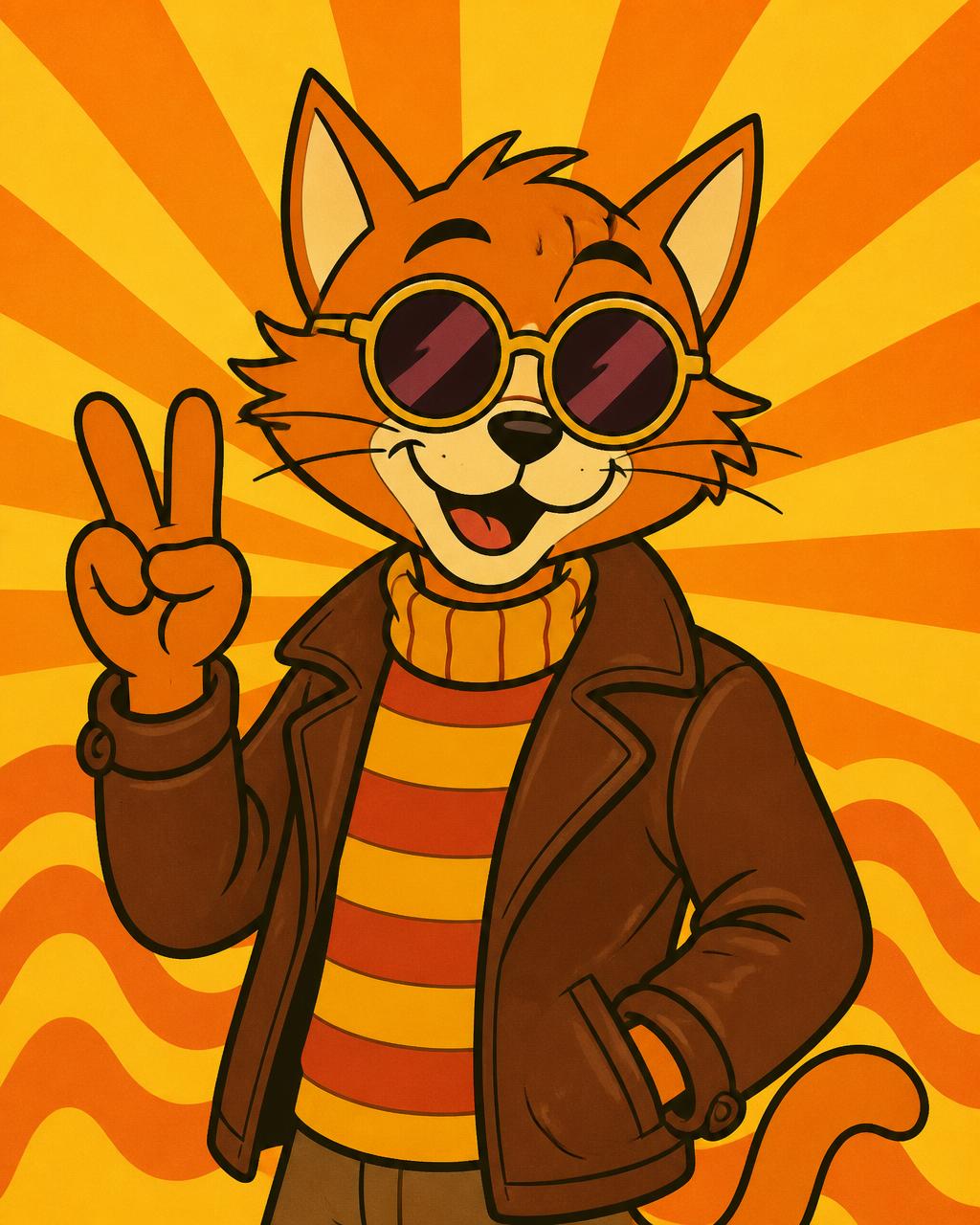
Explore popular AI image styles, each with a hand-written prompt that reproduces the look. Each reference includes a style-only prompt and a complete prompt with character details.



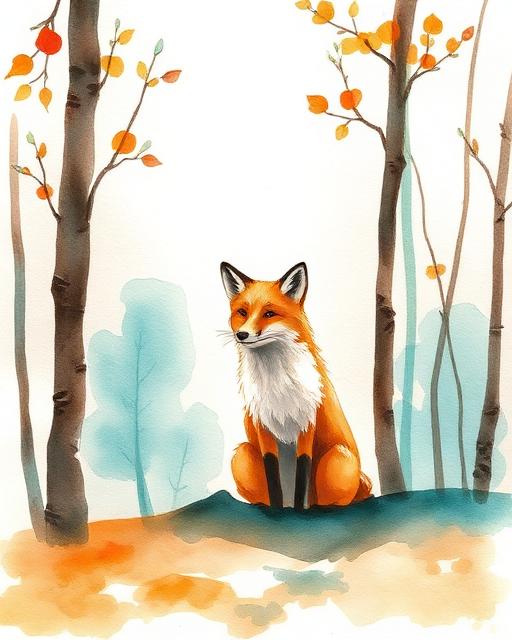
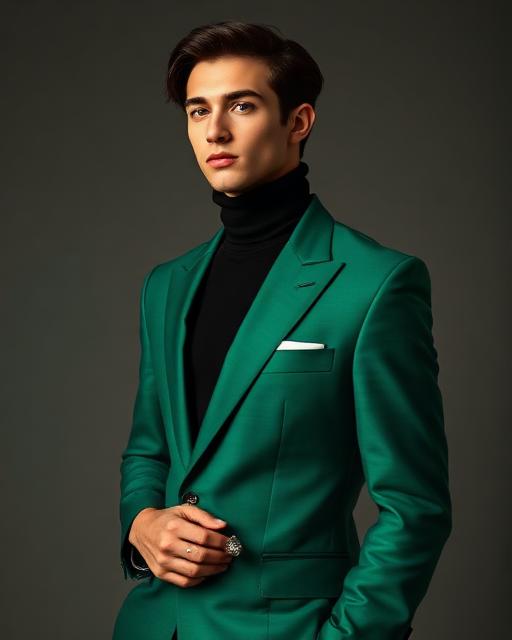
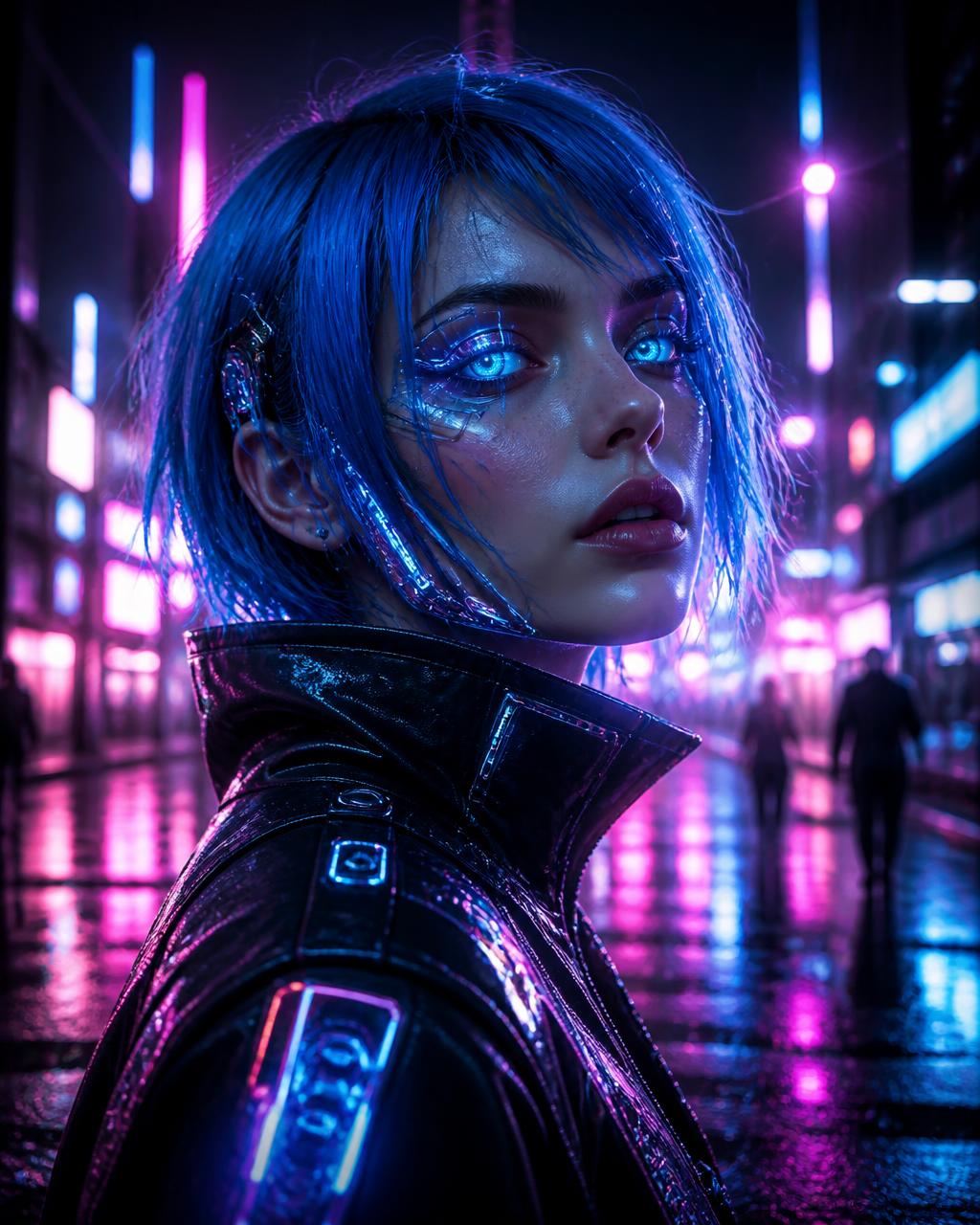

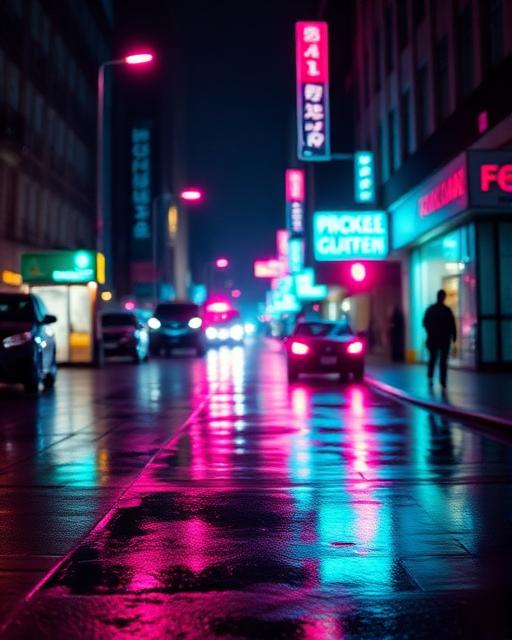
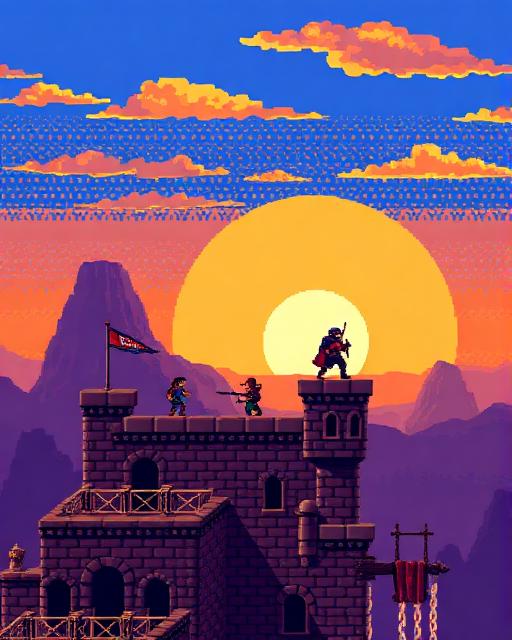
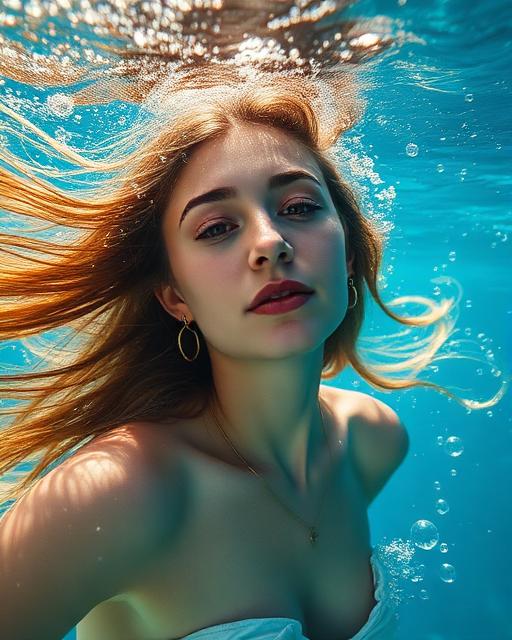

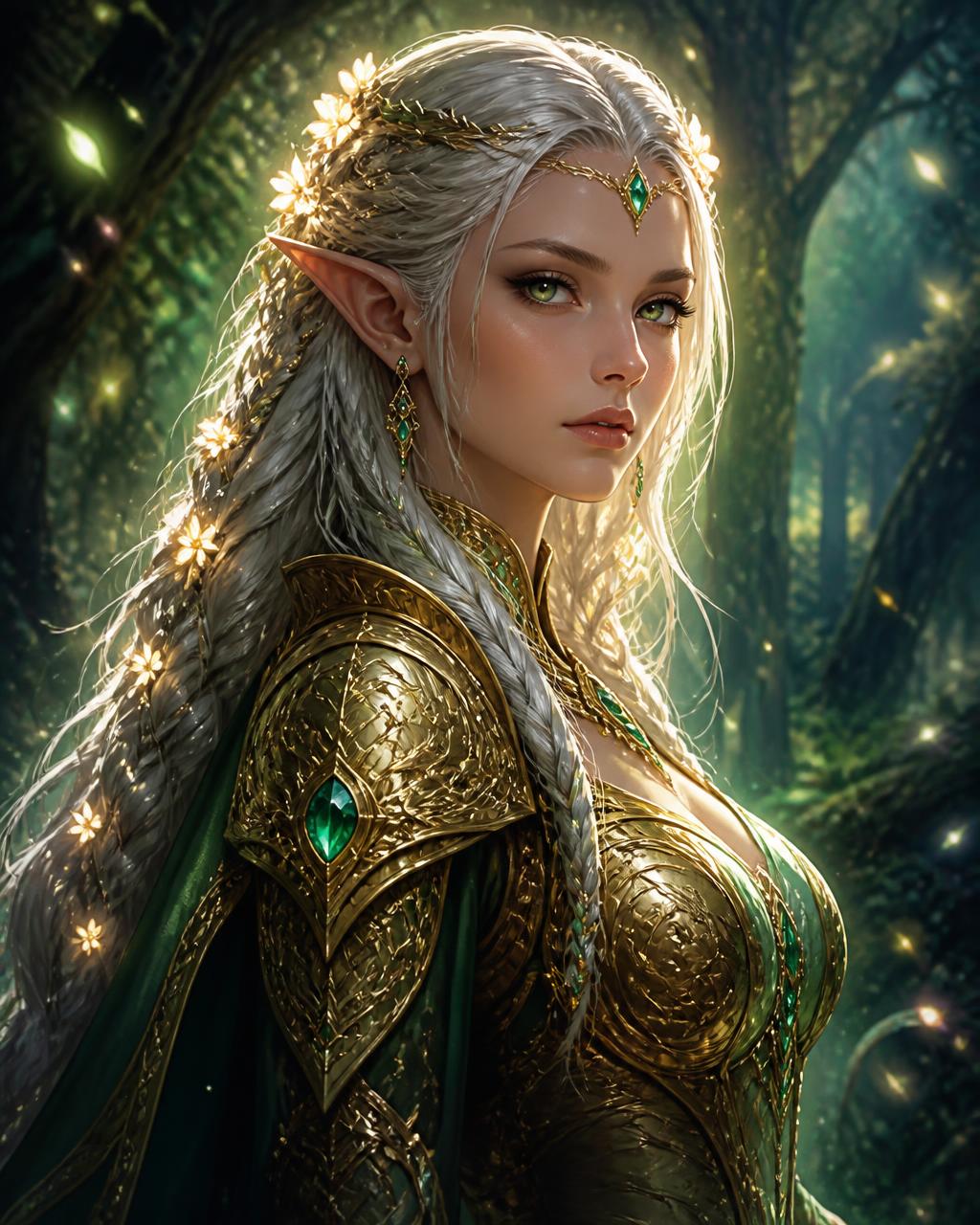
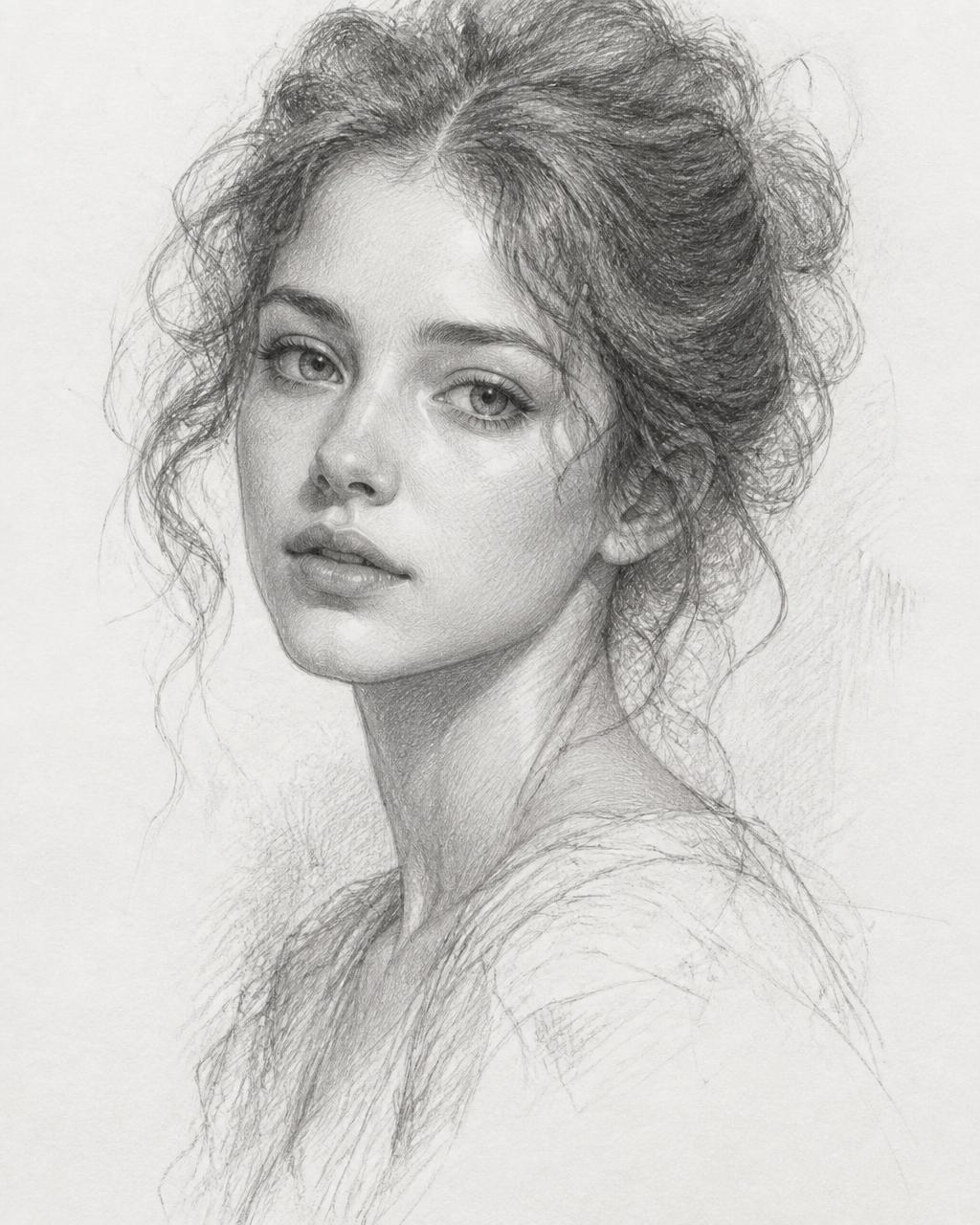


How to use these style prompts
1. Copy a style
Hover any card and choose Copy style. Every prompt starts with "Create an image based on the following guidelines:" so generators treat it as a complete instruction.
2. Swap the subject
The style-only prompt keeps the medium, palette, lighting and finish without copying the reference character. The complete prompt also includes the reference subject.
3. Grab styles from your own images
Have an image whose style you love? Use the Image Style Grab tool to reverse-engineer it into a reusable prompt, or read our prompt writing guides.